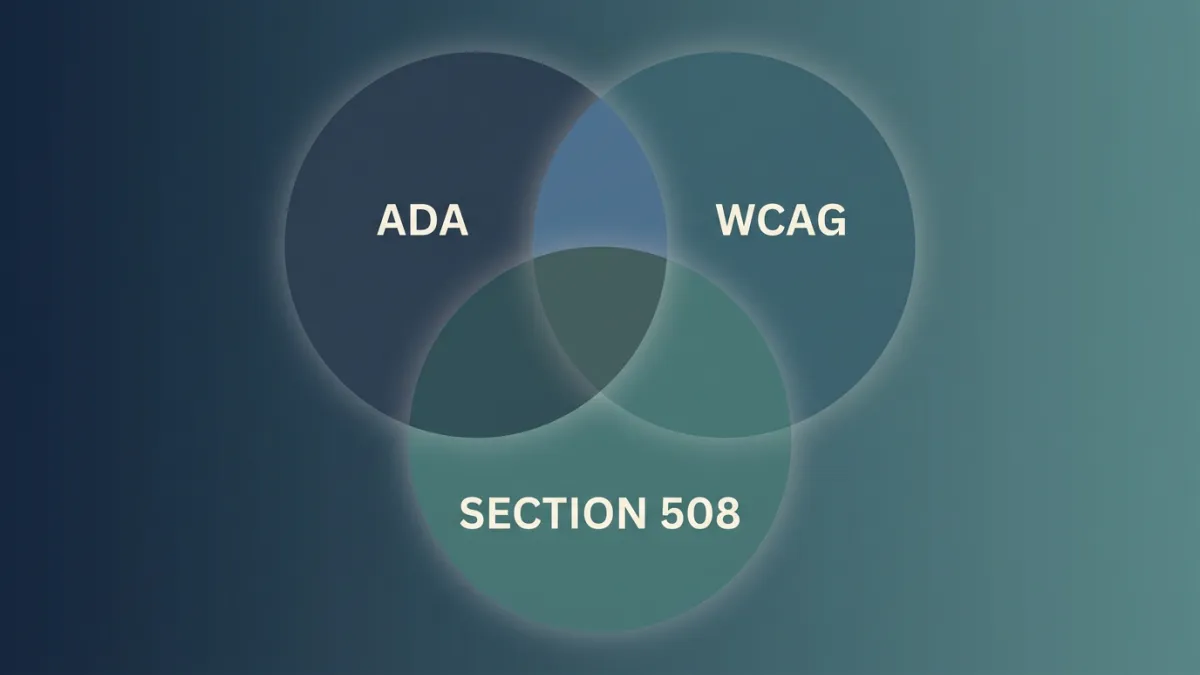
Your client calls and says their site needs to be “ADA compliant.” Their lawyer’s redline says “WCAG 2.1 AA conformance.” A government RFP asks for a “Section 508 VPAT.” Three terms, three contexts, and nobody in the room agrees on what any of them actually mean.
Here’s the short version: ADA is the US civil rights law. WCAG is the technical standard courts use to measure ADA compliance. Section 508 is a federal procurement rule that only applies to government agencies and their vendors. For most private-sector agency work, “ADA compliance” means meeting WCAG 2.1 AA.
TL;DR: ADA is the law, WCAG is the spec, Section 508 is government-only. US courts use WCAG 2.1 AA as the ADA benchmark. Your clients search “ADA compliant” but your contracts should reference “WCAG 2.1 AA.” Learn the distinctions so you speak your client’s language while protecting them with the right technical standard.
Why Does Everyone Say “ADA Compliant” Instead of “WCAG Compliant”?
Because that’s how buyers think about the problem. “ADA compliance checker” pulls roughly 8,000 monthly searches in the US, while “WCAG compliance checker” sits around 1,000-2,000 (project keyword research). The gap is 3-5x, and it tells you something important: agencies and business owners frame accessibility as a legal risk, not a technical specification. When a client gets a demand letter from a plaintiff’s attorney, they Google “ADA compliant website,” not “WCAG 2.1 Level AA conformance.” The legal framing drives the conversation. The terminology you use in sales calls, proposals, and client reports should reflect that reality. Save the WCAG specifics for contracts and developer handoffs where precision matters. Speaking your buyer’s language is not dumbing things down. It’s meeting them where they are.
What Exactly Is the ADA and Why Doesn’t It Mention Websites?
The Americans with Disabilities Act passed in 1990, before the commercial web existed. Title III prohibits discrimination by “places of public accommodation,” a term originally meant for physical businesses. Courts have increasingly interpreted websites and mobile apps as public accommodations, and over 4,000 ADA website lawsuits are filed annually in US courts (EcomBack 2024 Annual Report). But the ADA text itself never mentions HTML, screen readers, or color contrast ratios. It just says: don’t discriminate. That vagueness left a gap for years. The DOJ filled part of it in 2024 with a formal web accessibility rule under Title II (covering state and local government entities), explicitly requiring WCAG 2.1 AA. The Title III side, which covers private businesses, still relies on court interpretation rather than a specific DOJ rule.
What Did the DOJ’s 2024 Web Accessibility Rule Change?
The DOJ’s Title II rule set a hard deadline: state and local government entities serving populations of 50,000+ must meet WCAG 2.1 AA by April 24, 2026 (ADA.gov). Smaller entities get until April 2027. This is the first time a specific WCAG version has been codified into federal regulation for web accessibility. For agencies, this matters if you build or maintain government websites. Non-compliance carries penalties up to $150,000 for a first violation. Title III (private businesses) still lacks a comparable rule, but courts consistently reference WCAG 2.1 AA as the standard. ADA lawsuits surged 37% year-over-year in the first half of 2025 (EcomBack Mid-Year Report), so the legal pressure is real regardless of whether a formal Title III web rule exists.
What Is WCAG and Which Version Matters for Agencies?
WCAG stands for Web Content Accessibility Guidelines, published by the W3C. The current version is WCAG 2.2 (released October 2023), but WCAG 2.1 AA is the version US courts and the DOJ reference. The distinction matters: WCAG 2.2 added nine new success criteria, but courts have not yet adopted it as the benchmark. For agencies, targeting WCAG 2.1 AA covers your legal bases. Meeting 2.2 is a bonus, not a requirement. A critical number to know: 94.8% of the top one million websites fail basic WCAG conformance (WebAIM Million 2025), with an average of 51 errors per homepage. The bar for “compliant” is not high, but almost nobody clears it. That gap is both the risk and the opportunity for agencies offering accessibility services.
How Do WCAG Levels A, AA, and AAA Differ?
WCAG organizes its success criteria into three conformance levels. Here’s how they break down for practical agency work:
| Level | What It Covers | Effort | Legal Relevance |
|---|---|---|---|
| A | Baseline: alt text, keyboard access, no seizure-inducing content | Minimum viable | Necessary but not sufficient for ADA compliance |
| AA | Mid-range: color contrast (4.5:1), consistent navigation, error suggestions, text resize | Standard target | This is what courts and the DOJ reference |
| AAA | Highest: sign language for video, enhanced contrast (7:1), no timing limits | Significant effort | Not required by any court or regulation |
Most agencies should target AA. It is the level referenced in virtually every ADA lawsuit settlement, government contract, and the DOJ’s 2024 Title II rule. AAA is aspirational. Automated tools like axe-core catch about 57% of real-world accessibility issues by volume (Deque Automated Coverage Report), and those tools primarily test A and AA criteria.
When Does Section 508 Actually Apply?
Section 508 is an amendment to the Rehabilitation Act (1998) requiring federal agencies to make their information and communication technology accessible. It applies to federal government agencies and any vendor selling products or services to them. If your agency builds websites exclusively for private-sector clients, Section 508 is not your concern. It references WCAG 2.0 AA, which is an older version than the 2.1 AA standard courts use for ADA cases. Where Section 508 gets relevant is procurement. Federal buyers require vendors to submit a VPAT (Voluntary Product Accessibility Template) documenting their product’s accessibility. The completed document is technically called an ACR (Accessibility Conformance Report), though nearly everyone in the industry just says “VPAT.” If your agency sells SaaS products to government clients, you will need one.
What About the European Accessibility Act?
The EAA (European Accessibility Act, Directive 2019/882) has been enforceable since June 28, 2025. It applies to products and services sold in the EU, including e-commerce platforms, banking services, and media. Penalties reach up to 100,000 EUR or 4% of annual revenue (Level Access). The EAA references EN 301 549, a European standard that incorporates WCAG 2.1 AA. If your agency has clients selling into EU markets, this is no longer theoretical. The practical impact: a US-based e-commerce client with European customers now faces accessibility requirements on both sides of the Atlantic. The good news is both the ADA (via court interpretation) and the EAA point to the same technical baseline, WCAG 2.1 AA. Build to that standard once and you cover both jurisdictions. “EAA compliance” currently pulls only 500-1,000 monthly searches, but expect that to climb as enforcement actions begin.
How Should Agencies Use These Terms in Client Communication?
The terminology you use should shift depending on your audience. With clients and in sales conversations, use “ADA compliance.” That is the language they search for, worry about, and understand. In contracts and statements of work, reference “WCAG 2.1 AA” specifically. “ADA compliant” is legally ambiguous because the ADA does not define technical requirements. “WCAG 2.1 AA conformance” is precise and defensible. For developer handoffs, use WCAG success criterion numbers (like SC 1.4.3 for color contrast or SC 4.1.2 for name/role/value). Tools like PageAudit flag violations by specific WCAG criterion with the exact HTML element and suggested fix, so developers get actionable reports rather than vague summaries. This three-tier approach, ADA for clients, WCAG for contracts, SC numbers for developers, keeps everyone aligned without forcing non-technical stakeholders to learn W3C specification language.
What Terminology Red Flags Should Agencies Watch For?
Be skeptical of any product or service that claims to make a site “fully ADA compliant” with a single tool or widget. The ADA does not define a technical compliance standard, so “fully ADA compliant” is a phrase that means nothing specific. Overlay widgets, the JavaScript toolbars that claim to fix accessibility automatically, are the biggest offenders. In 2024, 25% of ADA lawsuits targeted websites that already had overlay widgets installed (EcomBack). The FTC fined accessiBe $1M for false advertising its compliance claims (FTC, Jan 2025). Over 800 accessibility professionals have signed the Overlay Fact Sheet opposing these tools. What should agencies look for instead? Tools that report specific WCAG success criteria violations, provide the DOM selectors and code context for each issue, and are transparent about what they can and cannot catch. Automated scanners like those built on axe-core, including PageAudit, cover roughly 57% of issues by volume. The remaining 43% requires manual testing. Any tool claiming 100% coverage is not being honest.
Frequently Asked Questions
What is the difference between ADA compliance and WCAG compliance?
ADA compliance means meeting the requirements of the Americans with Disabilities Act, a US civil rights law that prohibits disability discrimination. WCAG compliance means meeting the Web Content Accessibility Guidelines, a technical standard published by the W3C that defines specific success criteria for accessible web content. In practice, they overlap almost entirely for web work: US courts use WCAG 2.1 AA as the benchmark for determining whether a website meets ADA requirements. The key distinction is that ADA is the legal obligation and WCAG is the technical specification you use to satisfy it. You cannot be “ADA compliant” on a website without meeting WCAG criteria, but WCAG itself is not a law. Think of it this way: ADA says “make it accessible,” and WCAG tells you exactly how to measure whether you did.
Does Section 508 apply to private-sector websites?
No. Section 508 of the Rehabilitation Act applies exclusively to US federal government agencies and vendors who sell products or services to them. If your agency builds websites for private businesses, restaurants, healthcare providers, or retailers, Section 508 is not the relevant standard. Those sites fall under ADA Title III, which courts evaluate against WCAG 2.1 AA. The only time Section 508 matters for a private agency is when you are selling software, SaaS products, or web services to federal buyers. In that case, you need a VPAT (Voluntary Product Accessibility Template) documenting your product’s accessibility. Section 508 references WCAG 2.0 AA, an older version of the guidelines. Confusing Section 508 with ADA requirements is a common mistake that can lead to targeting the wrong standard.
What WCAG level do courts require for ADA compliance?
Courts in the United States have consistently referenced WCAG 2.1 Level AA as the standard for ADA web accessibility. This was reinforced by the DOJ’s 2024 Title II rule, which explicitly mandates WCAG 2.1 AA for state and local government websites. No court has required Level AAA conformance. Settlement agreements in ADA lawsuits, which cost $30,000-$150,000 all-in (Accessible.org), almost universally specify WCAG 2.1 AA as the remediation target. Level A alone is not sufficient, as it misses critical requirements like color contrast ratios and consistent navigation. For agencies, this means your accessibility services should target WCAG 2.1 AA as the baseline. Going beyond to WCAG 2.2 or Level AAA criteria is valuable for usability but is not legally required under current court interpretations.
Are overlay widgets considered valid ADA compliance?
No, and the evidence against them is substantial. Overlay widgets are JavaScript-based tools that add a toolbar or widget to a website claiming to automatically fix accessibility issues. In reality, overlays address only surface-level problems and miss roughly 70% of WCAG issues (Overlay Fact Sheet). Courts have not accepted overlay installation as evidence of ADA compliance. In 2024, 25% of ADA website lawsuits targeted sites that already had overlay widgets installed (EcomBack). The FTC fined the overlay vendor accessiBe $1M in January 2025 for making false compliance claims (FTC). More than 800 accessibility professionals have signed the Overlay Fact Sheet (overlayfactsheet.com) formally opposing these tools. For agencies, recommending an overlay to a client creates liability rather than reducing it. Source-code remediation guided by WCAG criteria, combined with ongoing automated monitoring, is the defensible approach.
What is a VPAT and when do agencies need one?
A VPAT (Voluntary Product Accessibility Template) is a standardized form created by the Information Technology Industry Council (ITI) for vendors to document the accessibility of their products against WCAG criteria and Section 508 requirements. When completed, the document is technically called an ACR (Accessibility Conformance Report), though the industry uses “VPAT” for both the blank template and the finished report. Agencies need a VPAT when selling web-based products, SaaS tools, or digital services to US federal government buyers. It is a required part of the federal procurement process under Section 508. If your agency only serves private-sector clients, you likely do not need a VPAT. However, if you are expanding into government contracts or your clients include state agencies (which may follow similar procurement rules), understanding the VPAT process becomes necessary. The evaluation covers WCAG 2.0 AA criteria and Section 508 technical requirements.